
Set rules once, never sort again
.png)


One toggle to have every email in its place
Most email sorting tools work by matching keywords — if the subject line contains "invoice" then move it. InboxPilot's AI sorting works differently. It reads each incoming email, understands what it actually is, and matches it to the right folder based on the folder's name and purpose — not a list of rules you had to write yourself.
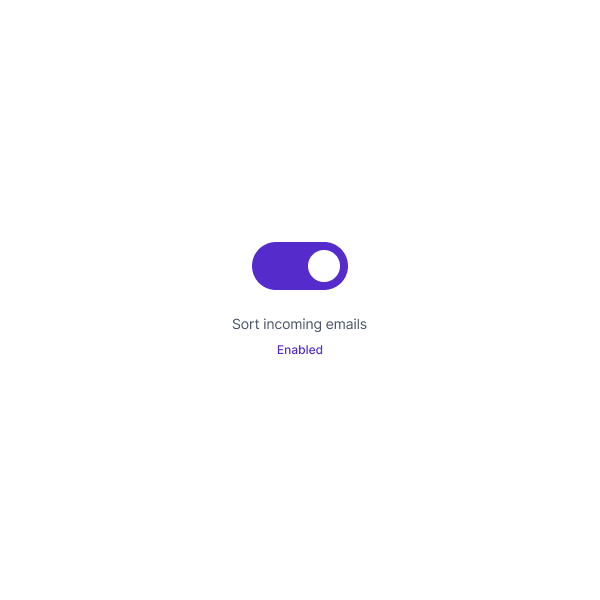
Enable it once in your inbox settings and it starts working immediately on every email you receive from that point forward. No setup beyond the folders you've already created. No rules to maintain. No filters to update when the wording of emails changes.
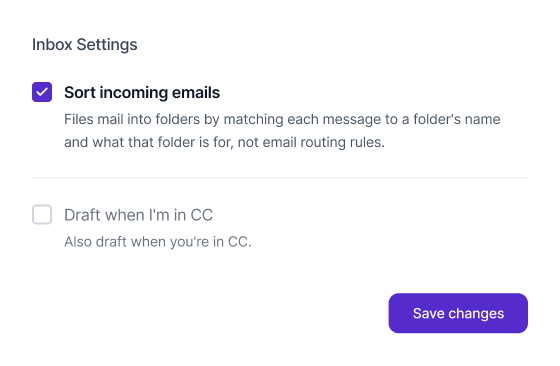

AI that understands email, not just keywords
Traditional email filters are brittle. They break when a sender changes their subject line format. They miss emails that describe the same thing in different words. They require constant maintenance as your inbox evolves.
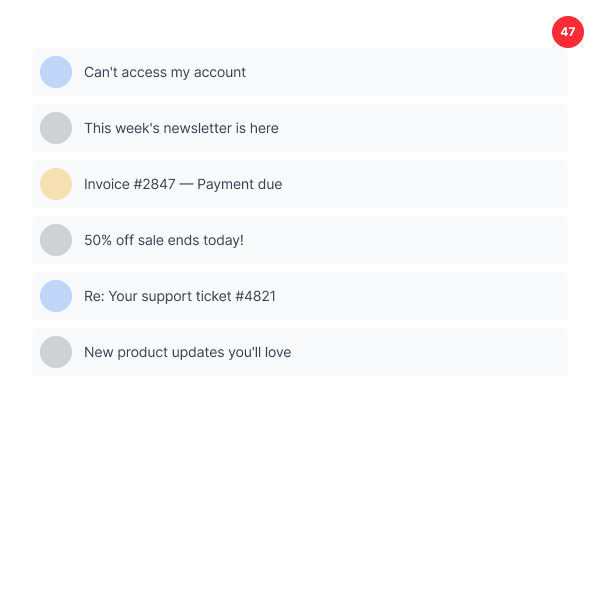
InboxPilot's AI sorting understands the content and intent of every email — the same way a human assistant would. A billing email gets filed under billing whether it says "invoice", "payment receipt", "charge confirmation", or "here's your statement." You don't have to anticipate every possible wording. The AI handles it.
From a pile you've been pretending isn't there to a clean quiet inbox that makes sense.

Part of a complete inbox system
AI sorting works best as part of InboxPilot's full inbox automation stack. AI labeling classifies every email. AI sorting moves it to the right folder. Email actions handle forwarding, trashing, starring, and routing. Together they create an inbox that organizes, files, and acts on every email automatically — without any ongoing input from you.

Questions?
We’re glad you asked.
You have been doing it manually for too long
Connect your Gmail or Outlook inbox in one click, train InboxPilot on your business data, and start receiving replies that sound exactly like you – ready to send or sent automatically.