InboxPilot vs Shortwave: Email Automation Platform Comparison

InboxPilot vs Shortwave: Email Automation Platform Comparison
Shortwave is an AI-powered email client with features like Ghostwriter drafting and natural language search. But at $24-100 per seat per month, and with a requirement to switch to an entirely new email client, it creates real barriers for teams focused on automation.
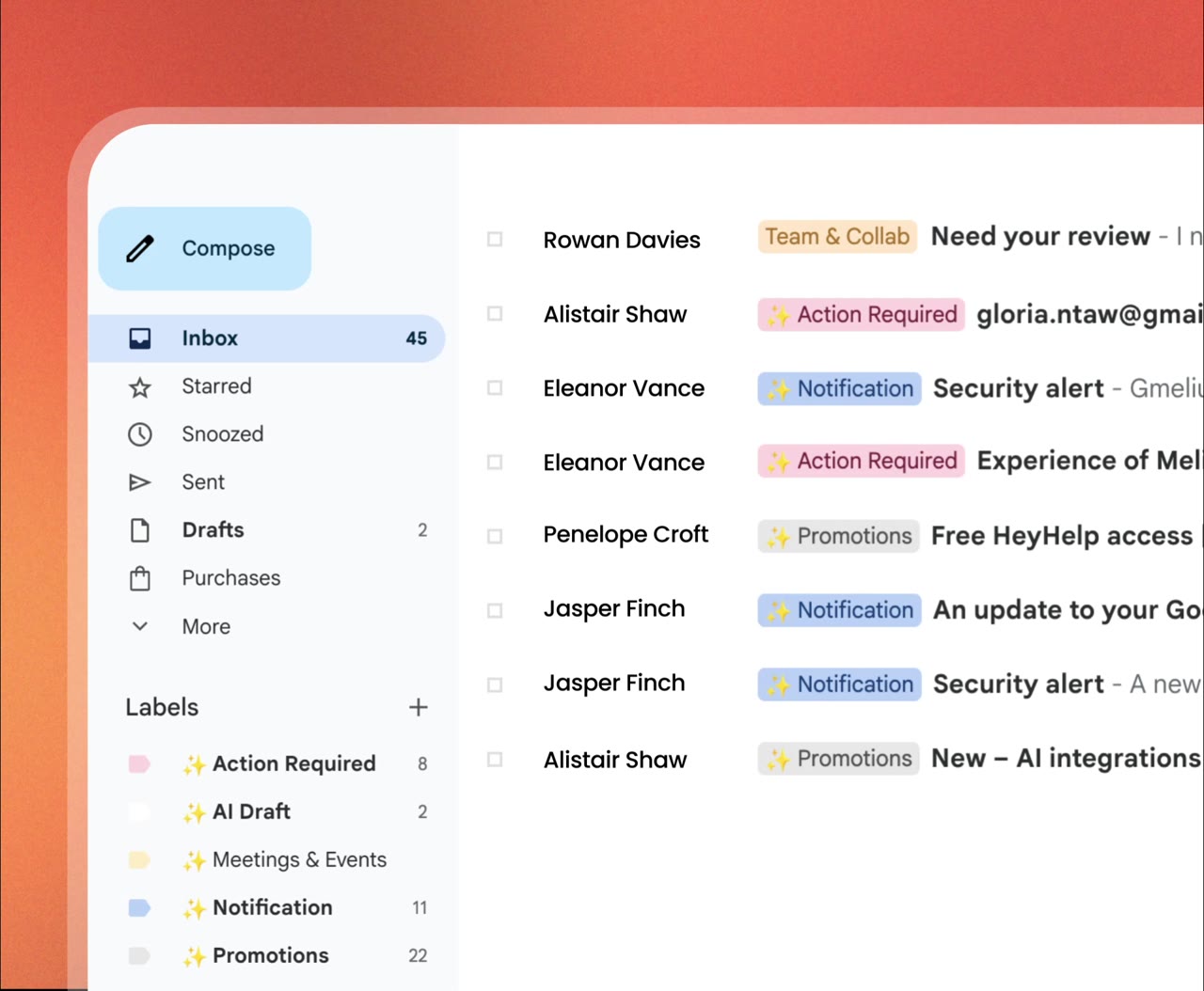
InboxPilot works differently. It integrates with your existing Gmail or Outlook setup instead of replacing it, and it goes beyond drafting with auto-send rules, unlimited workflow automation, and usage-based pricing.
Here's how the two compare.
Pricing: What Each Platform Actually Costs
Shortwave Pricing
Shortwave uses per-seat pricing with tiered AI usage limits:
- Business: $24/seat/month - 150-300 daily AI requests, 5-year search history, 3 AI filters
- Premier: $36/seat/month - 2x AI usage, unlimited search history, 10 AI filters
- Max: $100/seat/month - 6x AI usage, 50 AI filters, live 1:1 training
- Enterprise: Custom pricing
There's a 14-day free trial but no permanent free plan.
InboxPilot Pricing
InboxPilot charges based on email volume, not team size:
- Hobby: $24/month (billed annually) - 200 drafts/month, 2 inboxes, 1,000 email actions, unlimited team members
- Standard: $119/month (billed annually) - 1,200 drafts/month, unlimited inboxes, 10,000 email actions, advanced attachment processing
- Pro: $319/month (billed annually) - 12,000 drafts/month, 100,000 email actions, priority support
All plans include a 7-day free trial, no credit card required.
Cost at Scale
For a 10-person team, Shortwave's Business plan costs $240/month. Premier costs $360/month. InboxPilot's Standard plan costs $119/month and covers 1,200 drafts with no per-seat fees.
At 20 users, Shortwave costs $480-720/month depending on the plan. InboxPilot's cost stays tied to email volume, not headcount. That gap grows quickly as your team scales.
Automation: The Core Difference
InboxPilot: Auto-Send and Workflow Rules
InboxPilot supports both draft mode and auto-send mode. You configure rules for when emails go out automatically and when they need a human to review first. For high-volume teams, this is real hands-off automation.
Email Actions lets you automate forwarding, filtering, and routing using AI-powered rules. It's available on every plan.
Shortwave: Drafting Only
Shortwave's Ghostwriter feature learns your writing style and generates personalized drafts over time. That's genuinely useful for individual productivity.
But it only works in draft mode. Every reply still needs manual review before it sends. There are no auto-send rules and no workflow automation comparable to Email Actions. If reducing manual work is the goal, draft-only tools have a ceiling.
Platform Requirements: Integrate vs. Replace
This is one of the biggest practical differences between the two tools.
InboxPilot connects to your existing Gmail or Outlook account. Setup takes under two minutes. Your team keeps working exactly as they do now, with automation added on top.
Shortwave requires switching to an entirely new email client. That means:
- Learning a new interface and navigation patterns
- Migrating existing email workflows
- Training all users on new shortcuts and interactions
- Potential productivity dips during the transition
For some teams that switch is worth it. For most, it's friction that has nothing to do with the automation they actually need.
Data Integration: What Each Tool Learns From
InboxPilot: Multi-Source Context
InboxPilot pulls context from multiple sources to generate accurate, business-specific replies:
- Your website and public documentation
- Internal documents (PDFs, Google Docs, knowledge bases)
- CRM data from HubSpot, Salesforce, and other platforms
- Historical email conversations
- Custom training data
This allows InboxPilot to answer domain-specific questions, reference company policies, and stay consistent with your brand voice across all emails.
Shortwave: Email History Only
Shortwave draws from your email history and AI memory. Its natural language search is good at surfacing information from past emails. But it doesn't pull from your website, internal docs, or CRM data. For complex inquiries that require broader business knowledge, that's a noticeable gap.
Customization and Control
InboxPilot gives you granular control over how your AI behaves:
- Tone - Set different tones per inbox or department (support, sales, HR)
- Response length - Brief replies or detailed answers based on inquiry type
- Creativity - Adjust between fact-based and more flexible outputs
- Workflow rules - Configure auto-send, escalation paths, and fallback logic
- Per-inbox settings - Each inbox can have its own behavior and configuration
Shortwave's Ghostwriter adapts to your personal writing style over time. But it doesn't support workflow rules, department-specific settings, or automated behavior configuration.
Use Cases by Team
Customer Support
InboxPilot automates ticket responses using your knowledge base, routes emails through workflow rules, manages shared inboxes, and integrates with Zendesk for unified support operations.
Shortwave is built around individual email management, not team-based support automation. It lacks shared inbox management and Zendesk integration.
Sales Teams
InboxPilot supports sales with CRM-powered follow-ups, fast contextual responses for speed-to-lead, objection handling from your documentation, and tone settings that adapt by sales stage.
Shortwave's AI search can help sales reps find past context quickly, but it lacks CRM integration and sales-specific automation features.
Growing Businesses
InboxPilot's usage-based pricing means adding team members doesn't increase your cost. Shortwave's per-seat model creates linear cost increases as headcount grows, regardless of actual email volume.
Where Shortwave Has the Edge
Shortwave is the stronger choice in a few specific areas:
- Natural language search - Ask your inbox questions in plain English and find information from years of email history
- Ghostwriter personalization - Drafts that learn and adapt to your specific writing style over time
- Multilingual support - Instant translation for reading and writing emails in multiple languages
- Scheduling assistance - AI-generated scheduling emails that help manage calendar coordination
If you're an individual or small team that wants a smarter, faster email client and you're willing to make the switch, Shortwave has a lot to offer.
How to Decide
Do you need true automation?If you want emails to send automatically based on rules, InboxPilot is the only option here. Shortwave is a drafting tool.
Are you willing to switch email clients?InboxPilot works inside Gmail or Outlook. Shortwave replaces them. If your team isn't ready for that migration, InboxPilot is the lower-friction choice.
Is your team growing?InboxPilot's usage-based pricing scales better. Shortwave's per-seat cost adds up fast with headcount.
Do you need Zendesk or shared inbox management?Only InboxPilot supports these. For support teams, that's usually the deciding factor.
Do you value a smarter email client over workflow automation?If the priority is a better inbox experience with strong search and personalized drafting, Shortwave is worth considering.
Conclusion
Shortwave is a well-designed email client for individuals and small teams who want AI-powered search and personalized drafting, and who are willing to switch away from Gmail or Outlook.
InboxPilot is the better fit for teams that need real email automation. It integrates with your existing tools, supports auto-send workflows, pulls from multi-source data, and scales without per-seat fees.
Try InboxPilot free for 7 days, no credit card required, to see how it fits your workflow.
Related Resources
You have been doing it manually for too long
Connect your Gmail or Outlook inbox in one click, train InboxPilot on your business data, and start receiving replies that sound exactly like you – ready to send or sent automatically.